

You sit down to work, and somehow the table fights you. The laptop screen sits too low, the cables are tangled around your ankles, and there’s a mug, a charger, and three sticky notes sitting exactly where your elbows want to go. By noon, your neck aches and your focus is gone.
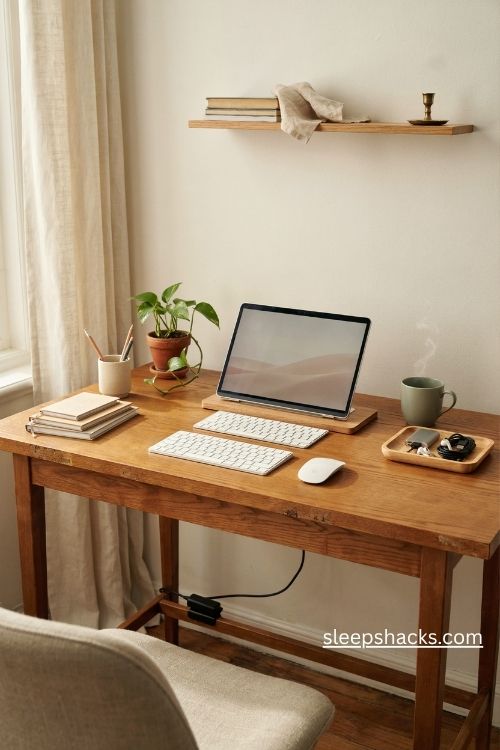
Most of that comes from how the table is arranged, not from the table itself. A good office table set up doesn’t need new furniture or a big budget. These fourteen ideas fix the small things that quietly drain your energy, so your desk finally starts working with you.
1. Check the Table Height First
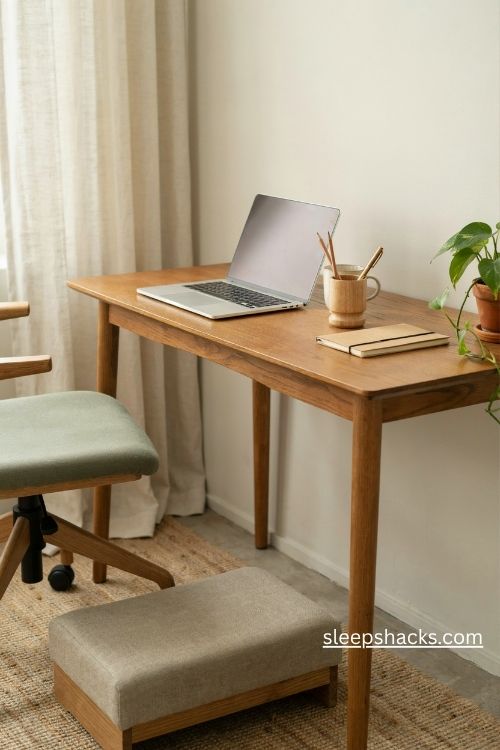
Before you buy a single accessory, sit down and check where your forearms land. Standard tables sit around 29 to 30 inches high, and that suits many people but not everyone. If your shoulders creep up toward your ears while you type, the table is probably too high for your chair.
Fix it by raising your chair and adding a footrest, rather than cranking the chair low and hunching. A footrest can be as simple as a sturdy box or a stack of books wrapped in fabric. Your feet should rest flat, your knees should sit near a right angle, and your arms should feel relaxed.
2. Raise the Monitor to Eye Level
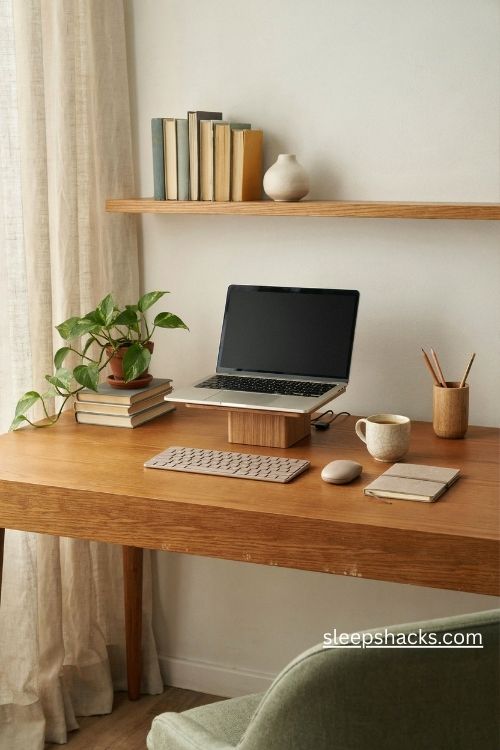
A laptop screen sitting flat on the table pulls your head forward and down all day. Lift it so the top edge sits roughly at eye level, which keeps your neck neutral and cuts down on strain. A monitor riser, a sturdy stack of hardcovers, or an adjustable arm all work well.
If you use a laptop, pair it with a separate keyboard and mouse so you can raise the screen without wrecking your typing posture. Leave an arm’s length of distance between your eyes and the screen. It’s a small adjustment, but you’ll feel the difference in your shoulders within a week.
3. Keep the Keyboard and Mouse at Elbow Height
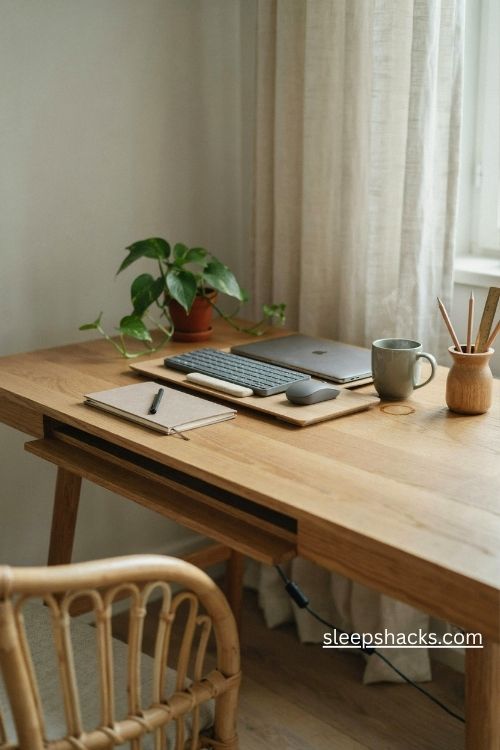
Your keyboard should sit where your elbows naturally bend, with your wrists straight rather than bent up or down. If the tabletop is too high for that, a pull-out keyboard tray clamped under the edge fixes it in minutes. Keep the mouse close to the keyboard so you don’t have to reach.
A slim wrist rest can help, but only as a place to pause, not to type on. Slide the keyboard back about a hand’s width from the table edge. That little bit of space gives your forearms room to move freely during long writing sessions.
4. Add a Dimmable Task Lamp
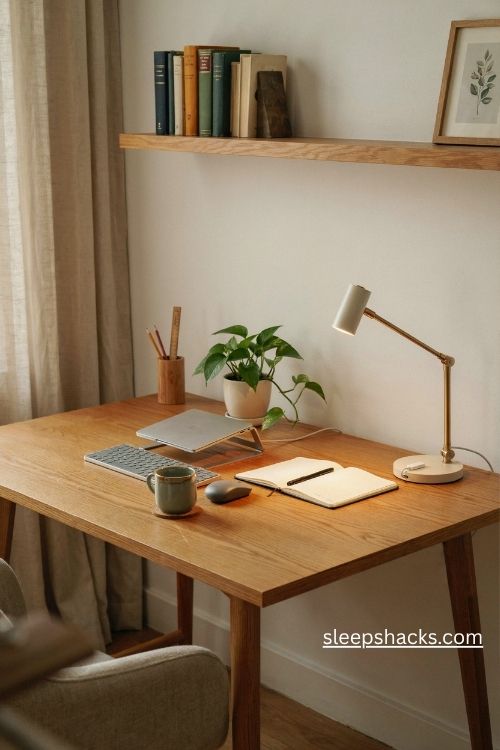
Overhead lighting alone leaves shadows across your keyboard and glare on your screen. A desk lamp with an adjustable arm and a dimmable warm-white bulb solves both problems. Position it on the opposite side of your writing hand so your shadow doesn’t fall across the page.
Aim for a gentle pool of light across the work surface instead of a harsh spotlight. In the evening, dim it down and switch to a slightly warmer tone to ease your eyes. A lamp with a built-in USB port also frees up a plug, which is a nice bonus on a crowded table.
5. Place the Table Near a Window
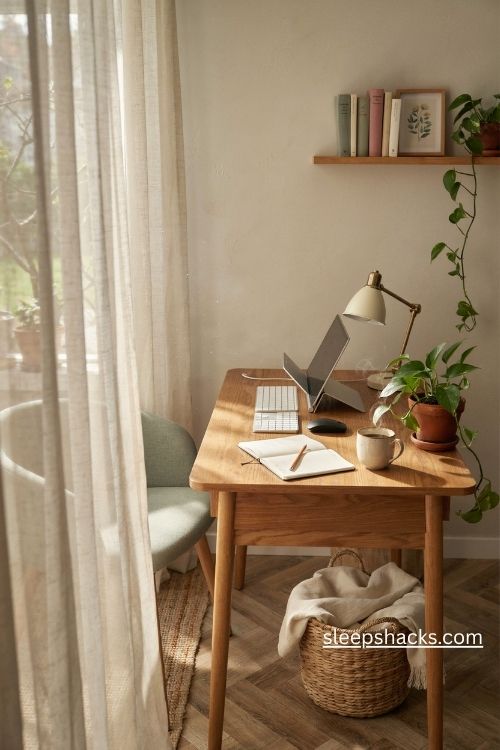
Natural light does more for your mood than any gadget on your desk. If you can, position the table so daylight comes from the side, which avoids direct glare on the screen. Facing the window head-on usually reflects light off the monitor, and having your back to it creates harsh reflections.
Sheer curtains soften strong afternoon sun without blocking it completely. If your room has no good window, add a daylight-style lamp and take short breaks near any bright spot in your home. Even a thin strip of morning light across the table makes the space feel alive.
6. Anchor the Zone With a Large Desk Mat
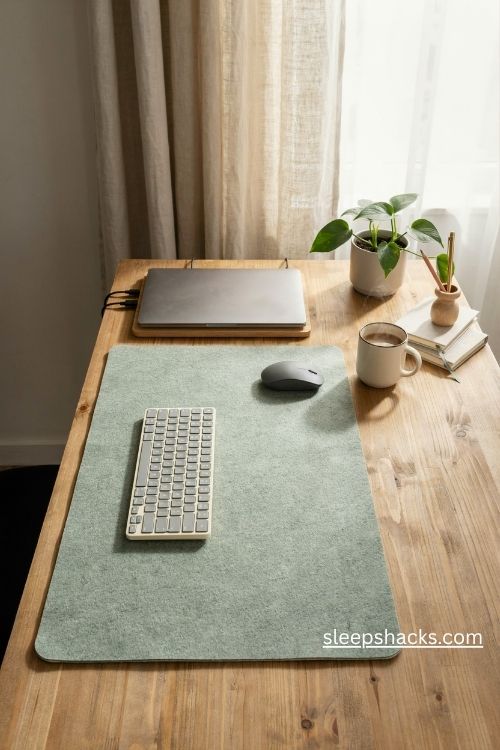
A big felt or leather desk mat, roughly 31 by 15 inches, gives your keyboard and mouse a defined home. It softens the sound of typing, protects the table surface, and makes the whole setup look intentional right away. Pick a neutral color like charcoal, oatmeal, or muted green so it blends with almost anything.
Keep only the daily essentials on the mat and let everything else live off to the side. When the mat is clear, you know exactly where the work happens. It also makes cleaning easier, since you can lift it and wipe the surface underneath in seconds.
7. Tame Cables With an Under-Table Tray
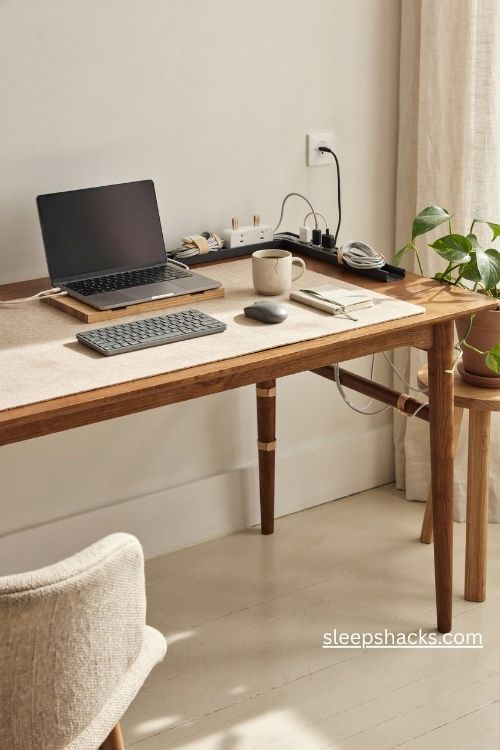
Tangled cables are the fastest way to make a nice table look messy. Mount a cable tray or a basket under the back edge of the table and drop your power strip and chargers inside. Run the cords through it so only a single neat line reaches the wall.
Add a few velcro ties or adhesive clips along the table leg for the rest of the journey. Label the plugs with small tags, since you’ll thank yourself when something needs unplugging. It takes about twenty minutes, and the table suddenly looks twice as clean, even if nothing else changes.
8. Tuck in a Small Drawer Unit or Rolling Cart
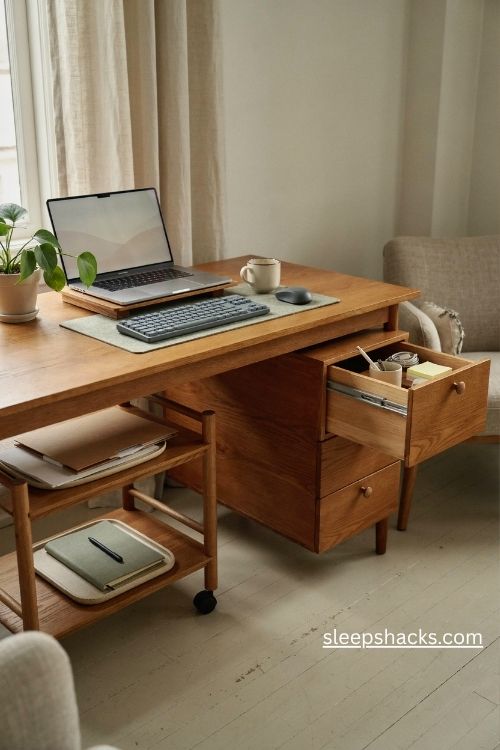
Papers, chargers, and notebooks need a home that isn’t the tabletop. A slim three-drawer unit, roughly 15 inches wide, slides under most tables and swallows the clutter. If your table has no legroom for it, a narrow rolling cart parked beside your chair does the same job.
Use the top drawer for small daily items like pens and sticky notes, and the lower ones for files and supplies. Keep a small tray on top for the single project you’re working on today. When the day ends, everything goes back inside and the table resets itself.
9. Match Your Chair to the Table
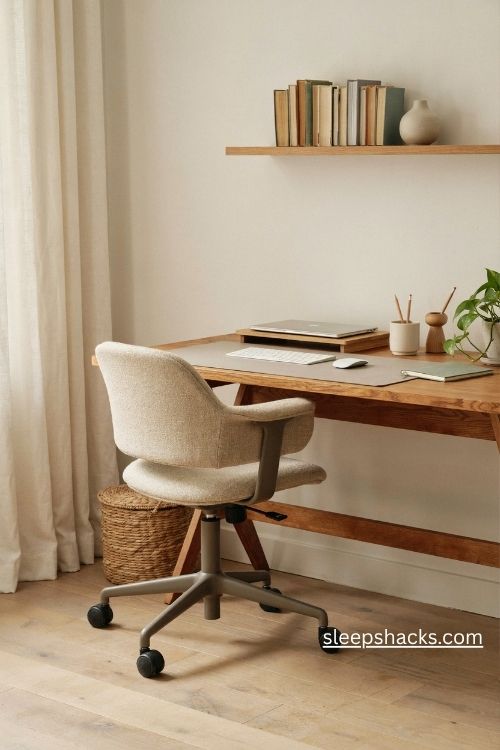
A great table paired with a poor chair still leaves you sore. Look for a chair with adjustable seat height, lumbar support that follows the curve of your lower back, and a breathable seat. The armrests should let your shoulders drop, not push them up.
Check that the chair slides fully under the table edge without hitting the frame. If it doesn’t fit, you’ll end up sitting far away and reaching forward all day. A small lumbar pillow can rescue an average chair, so it’s worth trying one before spending big on an upgrade.
10. Try a Sit-Stand Converter
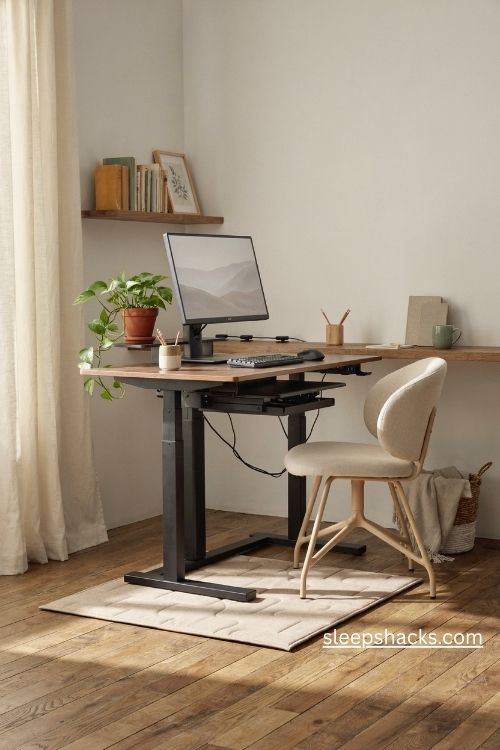
If you can’t swap your whole table for a height-adjustable one, a converter that sits on top does a lot of the same work. These foldable risers lift your monitor and keyboard together, so you can switch between sitting and standing a few times a day.
Start small, maybe twenty minutes of standing after lunch, then build up as it feels comfortable. Put a cushioned mat under your feet if your floor is hard. Changing positions keeps your body moving and your mind fresh, which matters most during those slow mid-afternoon hours.
11. Make a Small Notebook and Pen Corner
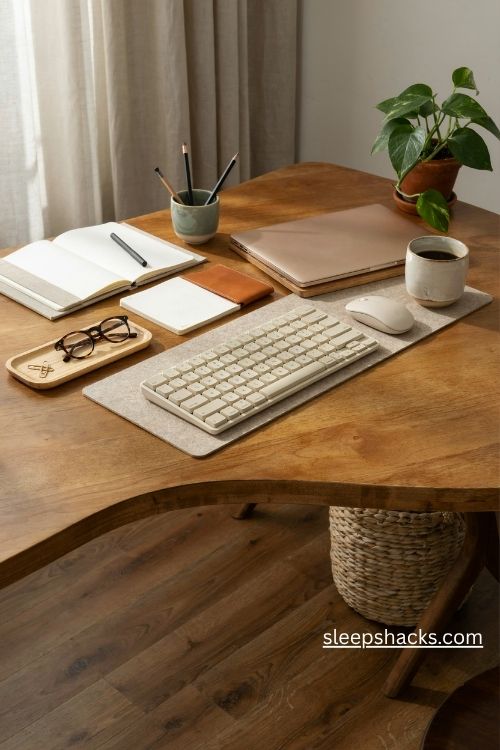
Even in a digital job, a notebook beside the keyboard saves you from opening yet another tab. Dedicate one corner of the table to a notebook, a good pen, and a small cup for extras. Choose a spot on the side of your non-dominant hand so it’s reachable but out of the way.
Jotting quick tasks on paper keeps ideas from piling up on screen. A simple dotted notebook around A5 size works well because it fits on a crowded table. Replace it every few weeks so the pages stay tidy and the corner never turns into a paper pile.
12. Add One Small Plant
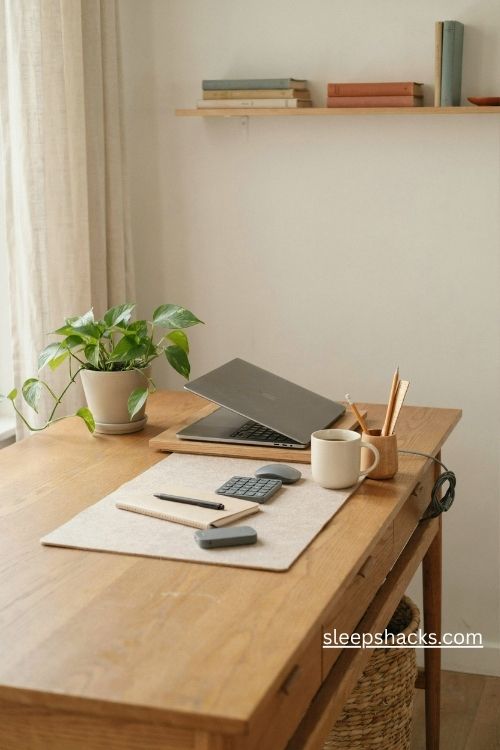
A single small plant softens the hard edges of a work table. Pothos, snake plants, and ZZ plants are forgiving and cope well with indoor light. Choose a pot around four to five inches wide so it doesn’t take over the surface.
Place it at the back corner, away from your arms and cables, where it frames the view without blocking anything. Watering once a week is usually enough, and having a tiny routine like that makes a break feel natural. If your table is too crowded, hang the plant from a wall hook above.
13. Turn a Dining Table Into a Pop-Up Office
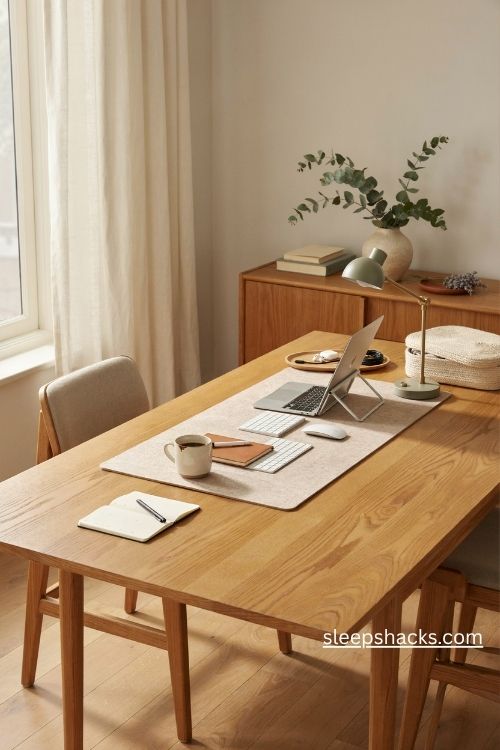
Not everyone has a spare room, and that’s okay. A dining table can become a perfectly good workspace if you use a tray or a lidded box to hold your gear. At the end of the day, slide everything into the box and the table goes back to being a table.
Keep a portable laptop stand, a wireless keyboard, and a small lamp in the box so setup takes under two minutes. Pick a chair with a firm cushion rather than a hard wooden one. This works especially well in shared homes where the table has a second life at dinner.
14. Mark the Work Zone With a Rug or Screen
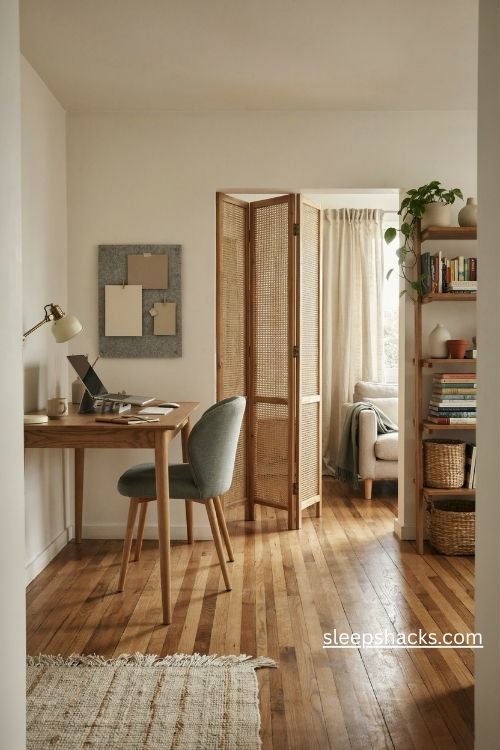
If your table sits in a living room or bedroom, a visual boundary helps your brain switch into work mode. A small area rug under the table and chair defines the space, while a folding screen or tall bookshelf blocks the view of the rest of the room.
Keep the palette consistent so the zone feels calm instead of cut off. A felt pinboard behind the table doubles as a quiet divider and holds reminders at eye level. When you step out of that zone, the day feels finished, which is a rare gift when you work from home.
Final Thoughts
Think of your table as something you’re quietly growing into, one small adjustment at a time. Maybe this week you raise the screen, and next week you tame the cables. By the end of the month, you’ll sit down and notice that nothing is fighting you anymore.
So go gently with it. You don’t have to copy anyone’s perfect desk photo, and you don’t have to finish everything in a weekend. Pick the idea that made you nod, give it a try tomorrow morning, and let the rest follow when you’re ready. Your future self, sipping coffee at a calm table, will be glad you started.
Frequently Asked Questions
Q: What is the best height for an office table?
Most standard office tables sit around 29 to 30 inches, which suits many adults. What matters more is that your elbows rest at about a right angle when you type, so adjust your chair or add a footrest if needed.
Q: How do I set up a small office table in a tight space?
Use vertical space with a monitor riser and a wall shelf, and keep only daily essentials on the tabletop. A slim drawer unit or rolling cart holds the rest without crowding your legs.
Q: How far should my monitor be from my eyes?
Aim for about an arm’s length, with the top of the screen at or just below eye level. Adjust the distance until you can read comfortably without leaning forward.