

Working from a kitchen table with a laptop balanced on a stack of books gets old fast. The desk feels wrong, your back aches by 2pm, and somehow the space never looks finished no matter how many organizers you buy.
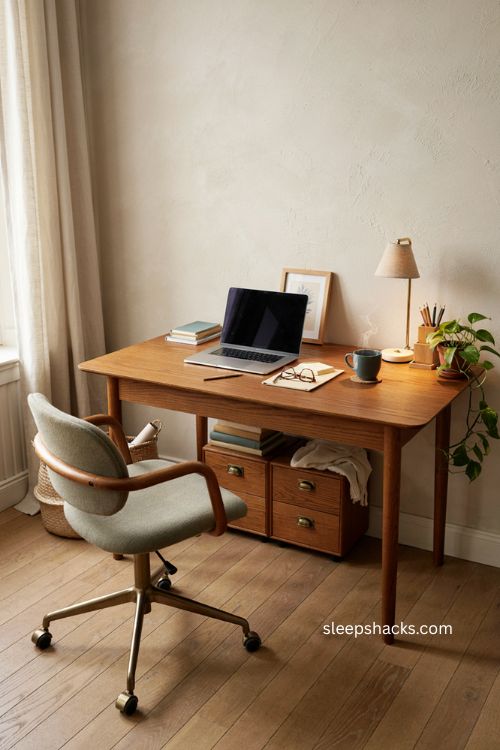
A home office setup doesn’t need a huge budget or a spare room to actually work — it needs the right pieces arranged with intention. Whether you’re building a corner nook or a full dedicated room, these ideas cover everything from lighting and ergonomics to storage and personality, so your workspace finally feels like somewhere you want to sit down and get things done.
1. Let Natural Light Lead the Layout
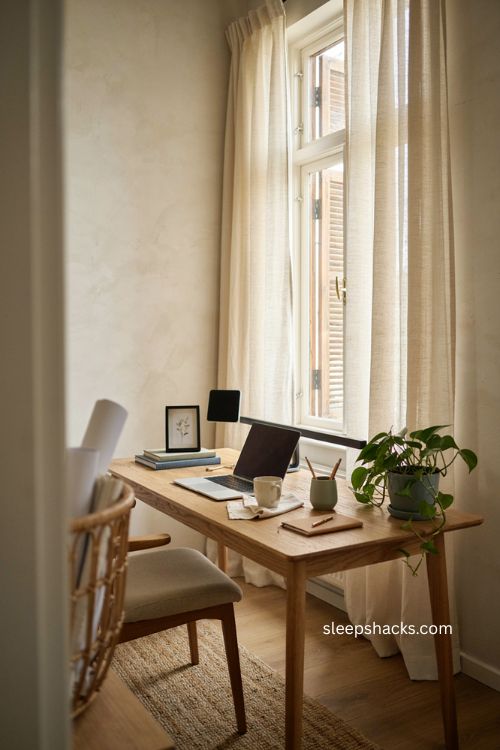
Before you buy a single accessory, think about where the light falls in your room. Positioning your desk near a window — ideally with the screen angled away from direct glare — brightens the whole space and helps regulate your energy through the day. Light curtains or adjustable blinds let you soften harsh afternoon sun without blocking the view completely. If your only window sits behind you, angle your monitor slightly to avoid reflections during video calls. A well-lit desk almost always feels more inviting than one lit purely by an overhead bulb.
2. Invest in an Ergonomic Chair
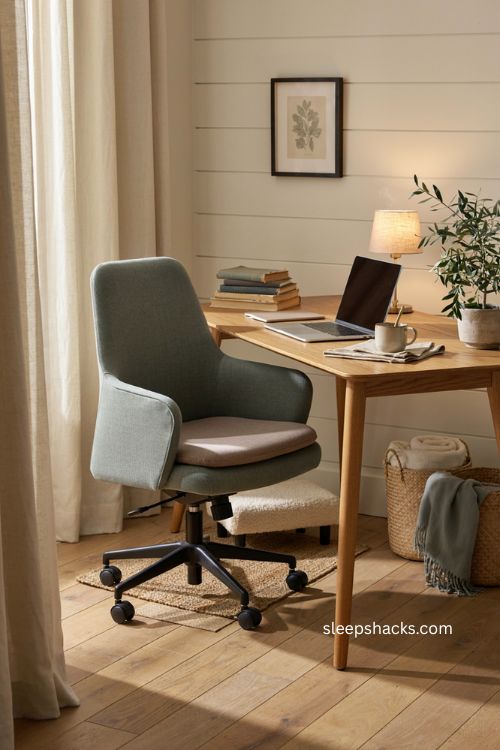
Your chair matters more than almost anything else on this list, since it’s the one piece you’re touching for hours every day. Look for adjustable height, real lumbar support, and a tilt mechanism that lets the seat move with you instead of locking you into one position. Test a few in person if you can — a chair that looks great in photos isn’t worth much if it leaves your lower back aching by mid-afternoon. Pairing it with a small footrest or a seat cushion can make an already-good chair feel noticeably better.
3. Add a Standing Desk for Movement
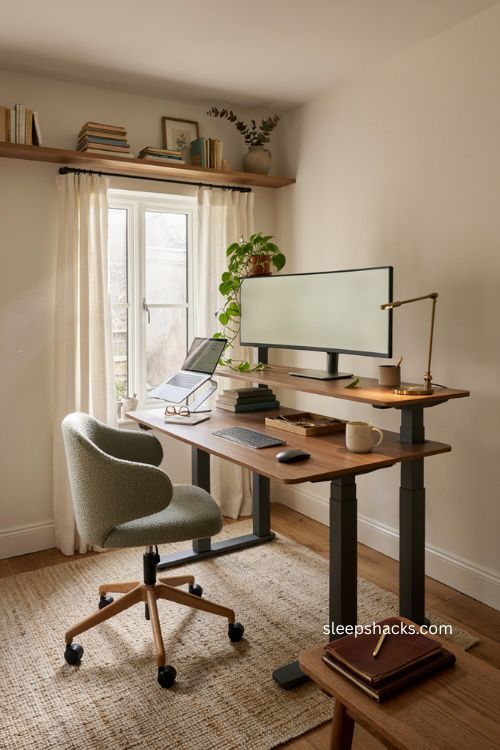
Sitting all day isn’t great for anyone, and a standing desk gives you an easy way to break up long stretches at the computer. Look for a sturdy frame rated for a solid weight load and a smooth, quiet motor if you’re going electric — the cheap versions tend to wobble under a full monitor setup. Pair it with an anti-fatigue mat for the moments you’re standing, since bare flooring gets tiring fast on your feet. Even alternating between sitting and standing for an hour at a time can noticeably ease stiffness by the end of the day.
4. Go Wide With a Dual or Ultrawide Monitor
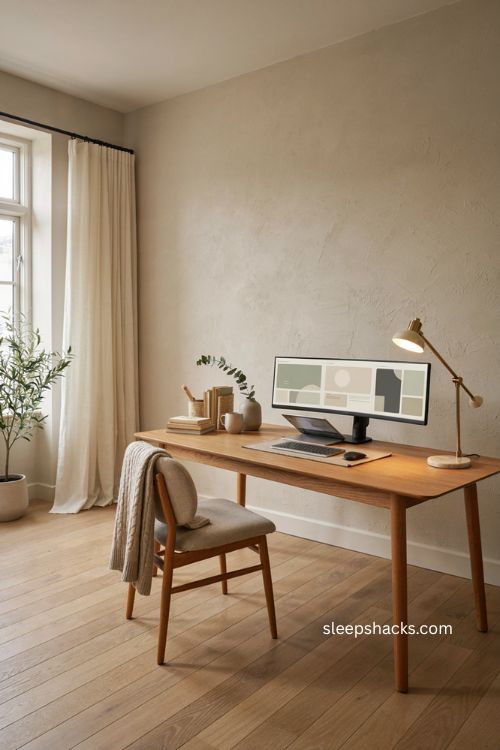
Constant tab-switching wastes more time than people realize, and a second screen or one wide ultrawide monitor solves that instantly. Spreading a spreadsheet on one side and your inbox or notes on the other keeps you from losing your place every few minutes. If desk space is tight, a monitor arm frees up the surface underneath for storage instead of a bulky stand. Vertically stacking two monitors is also worth trying if your desk is narrower than it is deep — it keeps the same screen real estate without eating up width.
5. Tame the Cables Before They Take Over
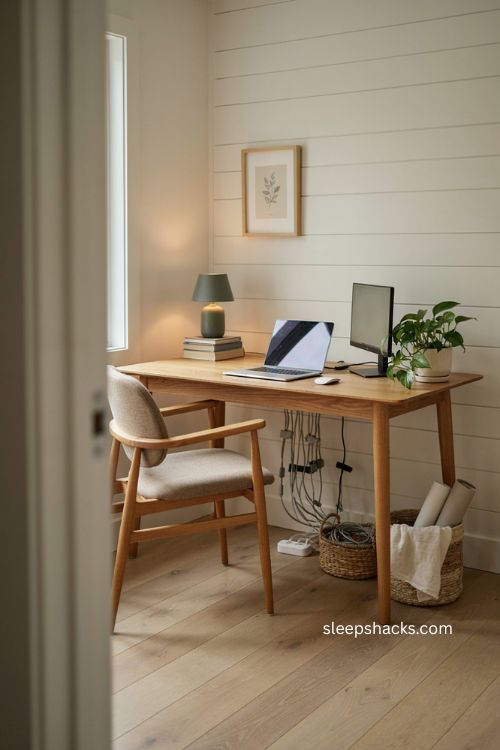
A tangle of cords under your desk quietly drains focus even when you’re not looking at it. Route your cables through a cable spine or sleeve running from the desktop to the floor, then use small clips or velcro ties to keep the rest bundled neatly out of sight. Switching to a wireless keyboard and mouse cuts down on the mess dramatically before you even start managing wires. Tuck your power strip into a cable box or basket under the desk so the only thing visible on top is what you’re actually using.
6. Personalize the Space With Meaningful Objects
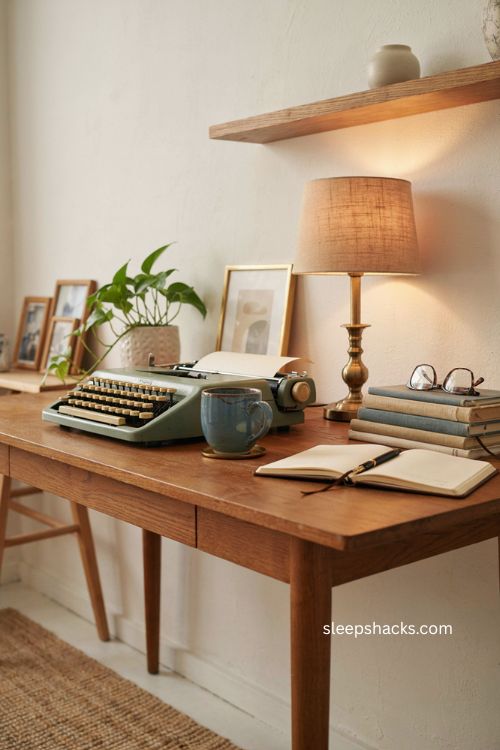
A desk covered only in office supplies rarely feels like somewhere you want to spend eight hours. Add a few framed photos, a small print you love, or an object that has some story behind it — a vintage typewriter, a favorite mug, a plant someone gave you. These details don’t have to take up much room, but they turn a purely functional desk into a spot that feels like yours. Rotate them occasionally so the space keeps feeling fresh instead of static.
7. Create Distinct Zones for Different Tasks
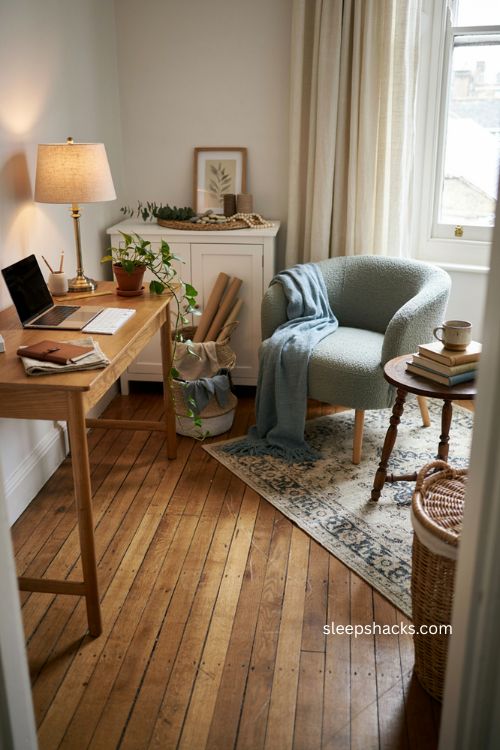
If your home office does double duty as a craft space, reading nook, or kids’ corner, giving each activity its own defined area helps your brain switch gears more easily. A small side table with a comfortable chair can become your reading or break spot, while the main desk stays reserved for focused computer work. Even a rug under one zone and bare flooring under another creates enough visual separation to signal the shift. This kind of zoning matters most in smaller rooms, where everything can otherwise start blending into one cluttered surface.
8. Bring in Plants for a Softer Feel
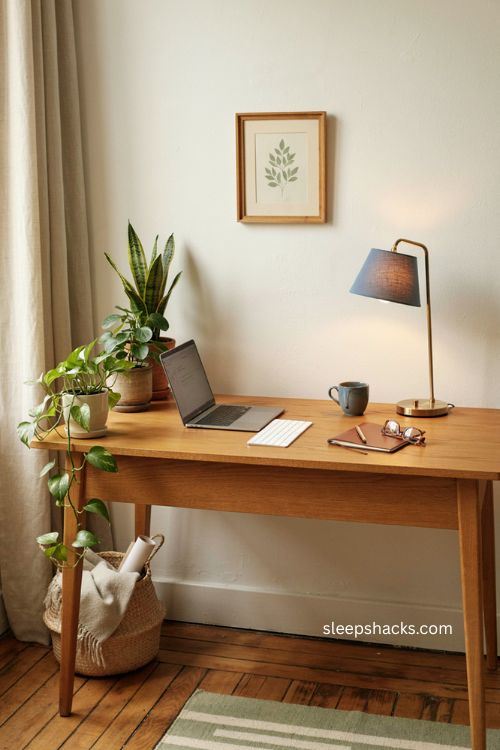
A little greenery goes a long way toward making a home office feel less sterile. Low-maintenance plants like pothos or snake plants tolerate inconsistent light and watering, which makes them a safe bet for a busy desk setup. If your space genuinely doesn’t get enough natural light, a few realistic artificial plants placed near the screen area still add color and softness without any upkeep. Grouping a couple of different pot sizes together usually looks more intentional than one lone plant sitting off to the side.
9. Maximize Vertical Space With a Pegboard
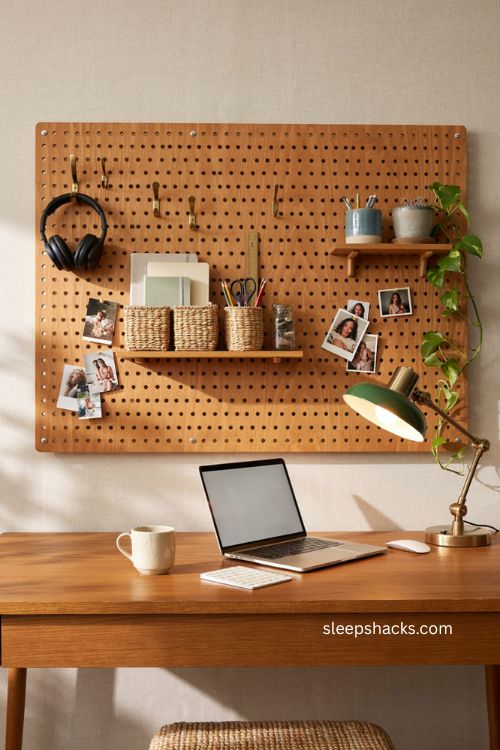
In a small home office, wall space is often more valuable than desk space. A pegboard mounted above or beside your desk lets you hang headphones, small baskets, notebooks, and even a couple of plants without eating into your work surface. Because the hooks and shelves are easy to rearrange, you can reconfigure the layout as your storage needs change instead of committing to a fixed shelf. It also doubles as a display spot for a few favorite photos or postcards, so it’s functional and a little decorative at the same time.
10. Add a Desk Mat and Small Organizers
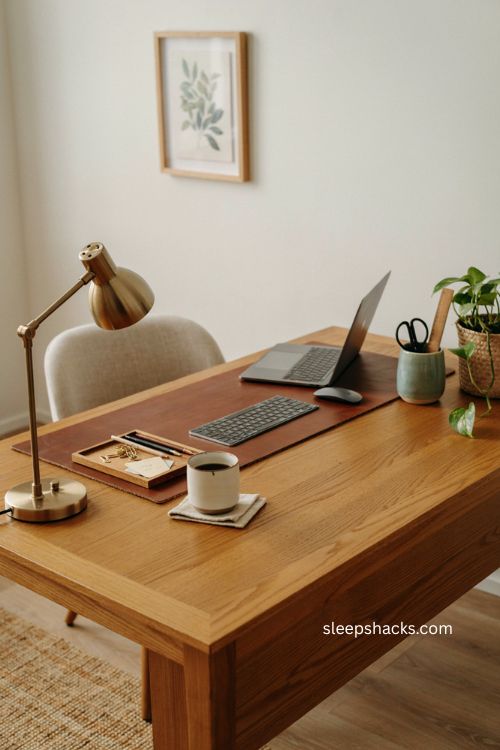
A simple leather or wool desk mat does more work than it looks like it should — it keeps your keyboard from sliding, makes your mouse glide better, and adds a clean visual boundary to your workspace. Pair it with a small tray or organizer for pens, sticky notes, and whatever else tends to pile up during the day. Choosing pieces in one or two coordinating colors makes the whole desktop feel put-together instead of like a random collection of office supplies. It’s a small upgrade that changes how the whole desk feels to use.
11. Layer Your Lighting Instead of Relying on One Source
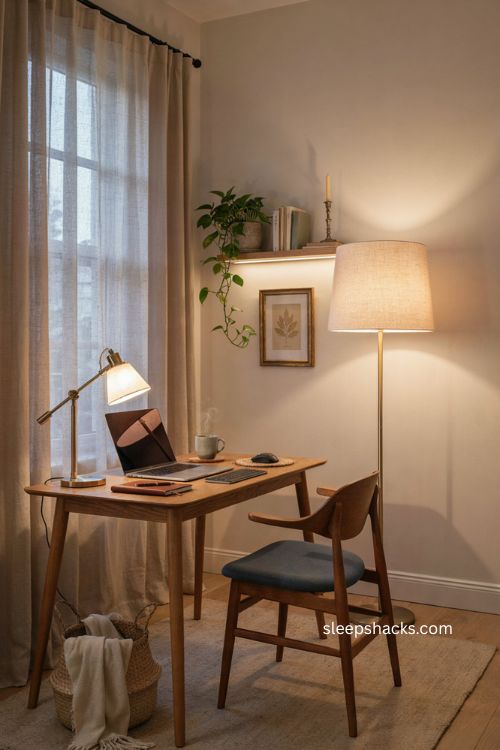
A single overhead light leaves most home offices either too dim or too harsh, so layering a few sources works much better. Add a dimmable desk lamp for close-up tasks, then a warmer ambient light — like a floor lamp or a string of LED strip lights — for the rest of the room. Being able to shift from a bright, energizing setting during the day to a warmer glow in the evening makes a real difference in how the space feels to work in after hours. Small, warm-toned bulbs are usually more forgiving on tired eyes than cool white ones.
12. Quiet the Room With a Few Acoustic Touches
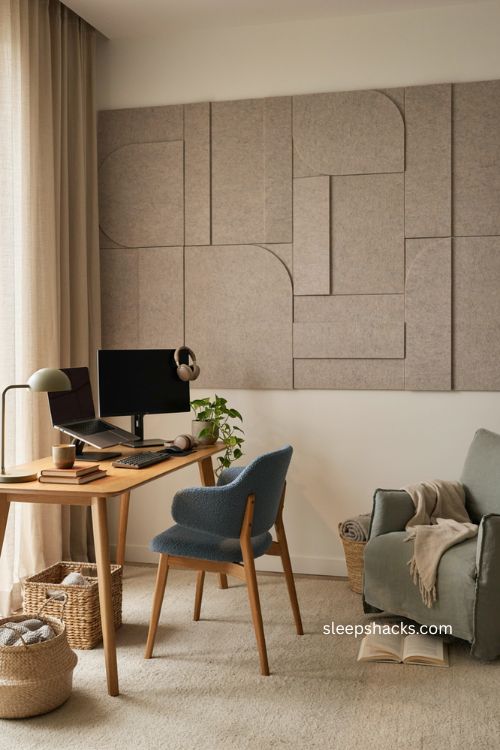
If video calls or focused work keep getting interrupted by echo or outside noise, a few acoustic touches can help more than you’d expect. Acoustic panels on a wall absorb sound waves and cut down on the reverb that makes a room feel loud even when it’s quiet. A plush rug under the desk area and soft furniture nearby also soak up sound instead of bouncing it around a bare room. For anyone recording audio or video regularly, this step matters as much as the equipment itself.
13. Build a Themed Setup Around What You Love
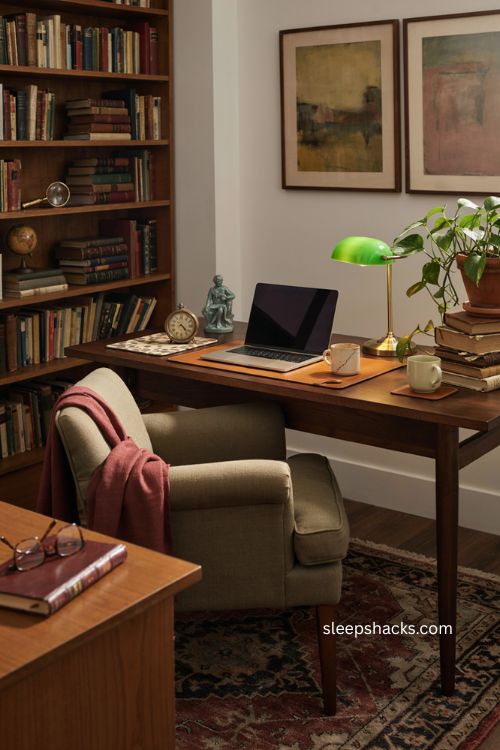
There’s no rule that a home office has to look purely corporate. Leaning into a personal theme — vintage academia with wood furniture and stacked books, a favorite game or show, or a specific color palette you’re drawn to — makes the space feel like an extension of your personality rather than a generic desk-and-chair combo. Small themed touches like a figurine, a poster, or a patterned mousepad are enough to set the tone without overwhelming the room. The goal is a space you actually look forward to sitting down at each morning.
14. Choose a Compact Desk for a Small Space
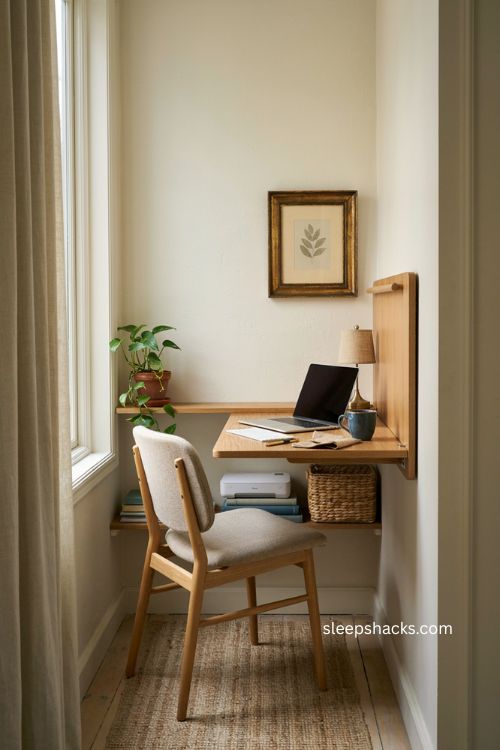
Not every home office needs a full room, and plenty of small, well-designed desks are built specifically for tight corners. A fold-down wall-mounted desk works well in a hallway nook or a shared bedroom, since it disappears when you’re not using it. A narrow desk with an open shelf underneath, like the kind found in most furniture lineups built for small spaces, gives you a spot for books or a printer without adding bulk. Measuring your space before you shop saves you from bringing home something a few inches too wide for the corner you had in mind.
15. Keep a Water Bottle and a Break Spot Within Reach
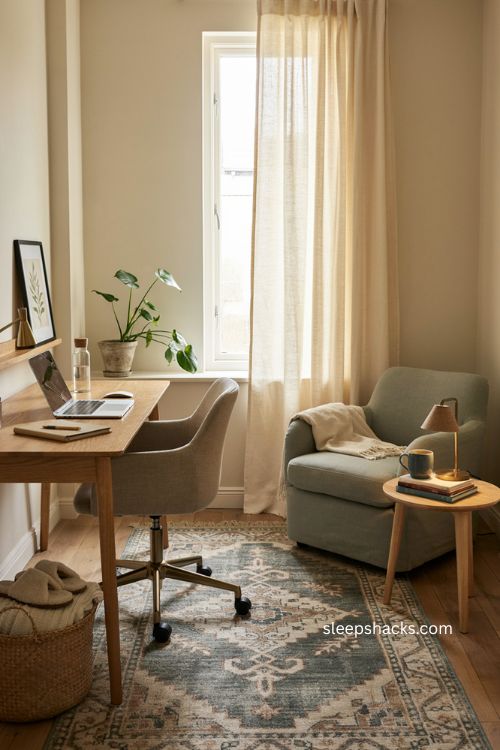
It sounds minor, but having water on your desk and a designated break spot nearby actually changes how your whole workday flows. A dedicated bottle cuts down on constant trips to the kitchen, which keeps you in a better work rhythm. Nearby, a comfortable chair or a small bean bag gives you somewhere to step away from the screen for five minutes without leaving the room entirely. These small additions don’t cost much, but they make a long day at a home office setup feel a lot less draining.
Final Thoughts
Building a home office setup you actually like takes a little time, and that’s completely fine — the best workspaces are usually the ones that got tweaked a dozen times before they felt right. Start with the pieces that affect your body most, like your chair and lighting, then layer in the smaller touches once the basics feel solid. Don’t be afraid to swap something out a few months in if it’s not working the way you imagined. However your space comes together, the point is simple: a desk that makes you want to sit down at it is worth every bit of the effort.
Frequently Asked Questions
Q: What is the most important item in a home office setup?
Your chair usually matters most since it affects your comfort and posture for hours every single day.
Q: How much space do I need for a home office?
A small desk and a comfortable chair can work in as little as a corner or an 8-by-10-foot area if storage is built in.
Q: How do I make a small home office feel less cluttered?
Use wall-mounted storage like a pegboard or shelving, keep only daily essentials on the desk, and manage cables so nothing hangs loose.